crm assistfor Salesforce
Step-by-step guide · Salesforce
How to create a Salesforce list view of your open opportunities
The built-in list views rarely show exactly the deals you work. Here is how to build your own in Salesforce: your deals only, the filters you need, the columns you update.
Try CRM Assist freeShow me the steps
- 6 steps
- 5 min read
- 14-day free trial, no card
- Updated 30 October 2026
✓ Saved to Salesforce
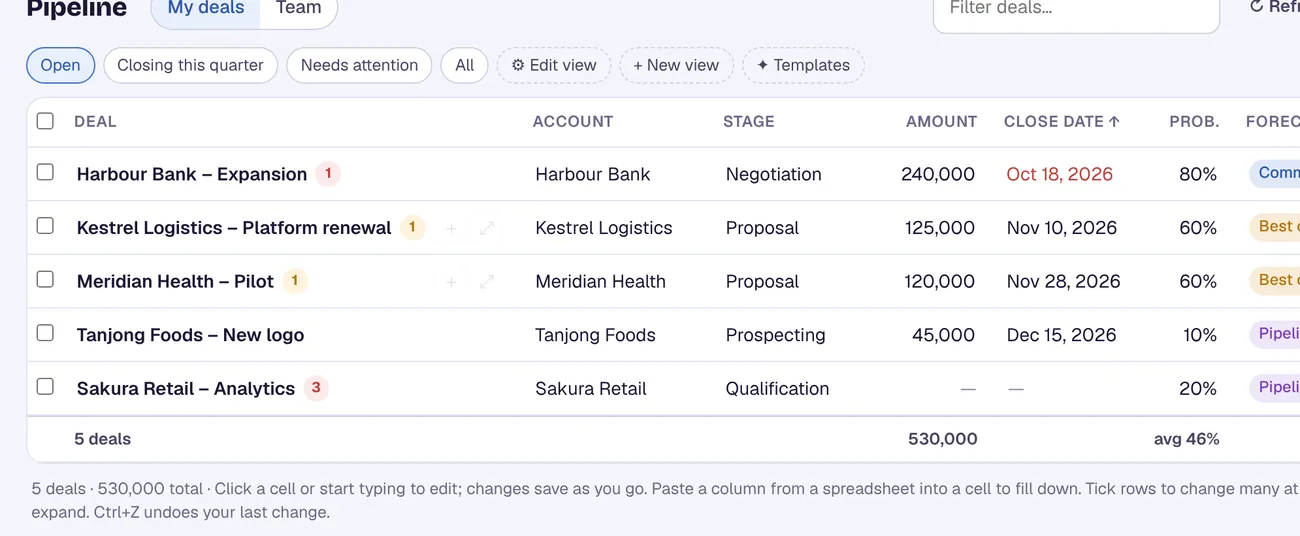
A custom list view is a saved set of filters and columns. It is also the foundation for editing many deals at once, because the inline and mass-update tools work from a list view. Build it once and it is there every week.
Before you start
- Salesforce Lightning Experience.
- Opportunities in your navigation. If you can't see the tab, ask your admin.
- A rough idea of the filters you want. For example, your own deals that are still open.
The steps
Open the object
Open Opportunities from the navigation bar, or choose it from the object dropdown if you work in the console.
Start a new list view
Click the List View Controls menu next to the search box and choose New.
Name it and choose who sees it
Give it a name you will recognise, such as "My open deals". Choose who can see it: Only I can see this view (a personal view), All users can see this view, or share it with public groups or roles. You can change the sharing later.
Add filters
In the filters panel, add each condition as a field, an operator and a value. Filter By Owner lets you pick, for example, your team's opportunities, which means you and the people below you in the role hierarchy. Add a condition on the stage, or on a date field such as close date.
Tip. Check Salesforce's own help for the relative-date options (such as "this quarter") that your org offers. The source we used for this guide shows fixed dates only.
Choose your columns
Click the gear icon next to the search bar and choose Select Fields to Display. Add the fields you update every week, such as stage, amount, close date and next step.
Opportunity Stage Amount Close date Kestrel Foods Proposal 48,000 30 Nov Harbour Bank Negotiation 240,000 15 Dec Northwind Ltd Proposal 16,500 12 Nov Orbit Labs Qualified 9,800 20 Nov The columns you update, in one view. (Illustration, not a screenshot.) Save and pin it
Click Save. To make the view open by default, open it and click the pin icon next to its name. Pins are per user and per object.
If it doesn't work
I can't find List View Controls
It is the menu next to the search box above the list. If you still can't see it, your profile may not allow creating list views, so ask your admin.
My teammates can't see the view
The view is personal unless you chose sharing. Edit the view and share it with a public group or role, or with all users.
The view shows too many or too few deals
Check the owner filter first, then each field filter. A condition on the wrong field is the usual cause.
I want to change many deals in the view
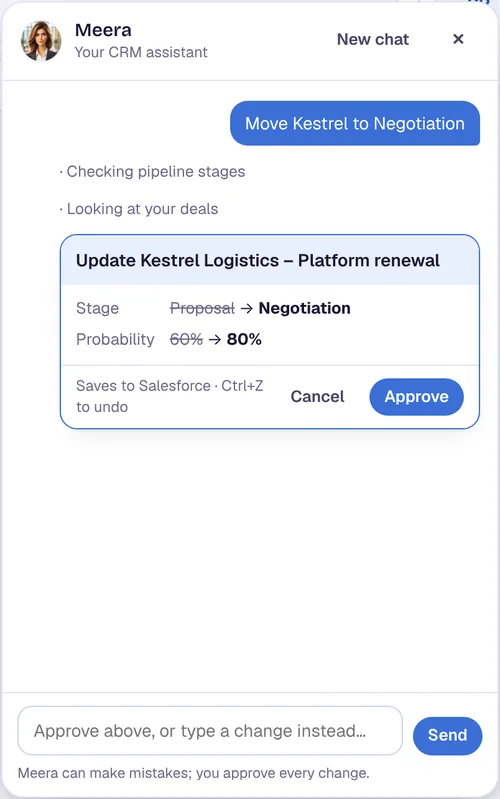
Or do it in CRM Assist (about 2 minutes to set up)
Add the free Chrome extension
It works in Chrome and Edge on your computer. Nothing is installed in Salesforce.
Pick the Salesforce login you already have
The extension finds it. If you are signed out, your company's own Salesforce sign-in opens, so single sign-on works.
Confirm your email and start
Your pipeline loads from Salesforce, ready to edit.
Your Salesforce user needs the "API Enabled" permission, which comes with Enterprise, Unlimited, Performance and Developer editions. CRM Assist works with your own permissions and never deletes records.
More Salesforce guides
Where these steps come from
Checked against the vendors' own help pages and other published guides on 30 October 2026. Menus and button labels change between releases, so if your screen differs, trust your screen and your admin.
Questions
Can I share a list view with my team?
Yes. When you create the view, choose who can see it: only you, all users, or specific public groups, roles, or roles and subordinates.
What does the owner filter do?
It narrows the view to records owned by you, or by your team (you and the users below you in the role hierarchy). The territory options need Sales Territories to be enabled.
Can I edit deals directly in a list view?
Yes, if inline editing is turned on. See our guide to mass updating opportunities.
Does CRM Assist change anything in my Salesforce setup?
No. Nothing is installed in Salesforce. CRM Assist reads and writes opportunities through Salesforce's API with your own login and permissions, and it never deletes records.
crm assist
Skip the view-building.
CRM Assist opens your Salesforce pipeline in one editable grid, ready to update. 14-day free trial, no credit card, then US$9.90 per user per month. Cancel any time.